Cronometer data is not writing to Apple Nutrition

Despite following all the troubleshooting that Google’s AI offered (and my Cronometer IS connected to Apple Health, and my phone has been rebooted, etc.), Nothing is showing up in Apple Health for my nutrition data, which I need for a different app to upload. Any suggestions on how to fix this issue?
Answers
-
Consider reinstalling cronometer and disabling/enabling permission in HealthKit.
-
mine isn't working either! I'm getting an error code. It worked up until today!
-
The troubleshooting actually made matters worse for me: After disconnecting, Cronometer won’t reconnect to Apple Health.
Starting today (at the latest), Cronometer has been reporting “Error Code -34108: A required entitlement is not present”. It continues to report this after completing every single troubleshooting step, and Apple Health remains disconnected as a result.
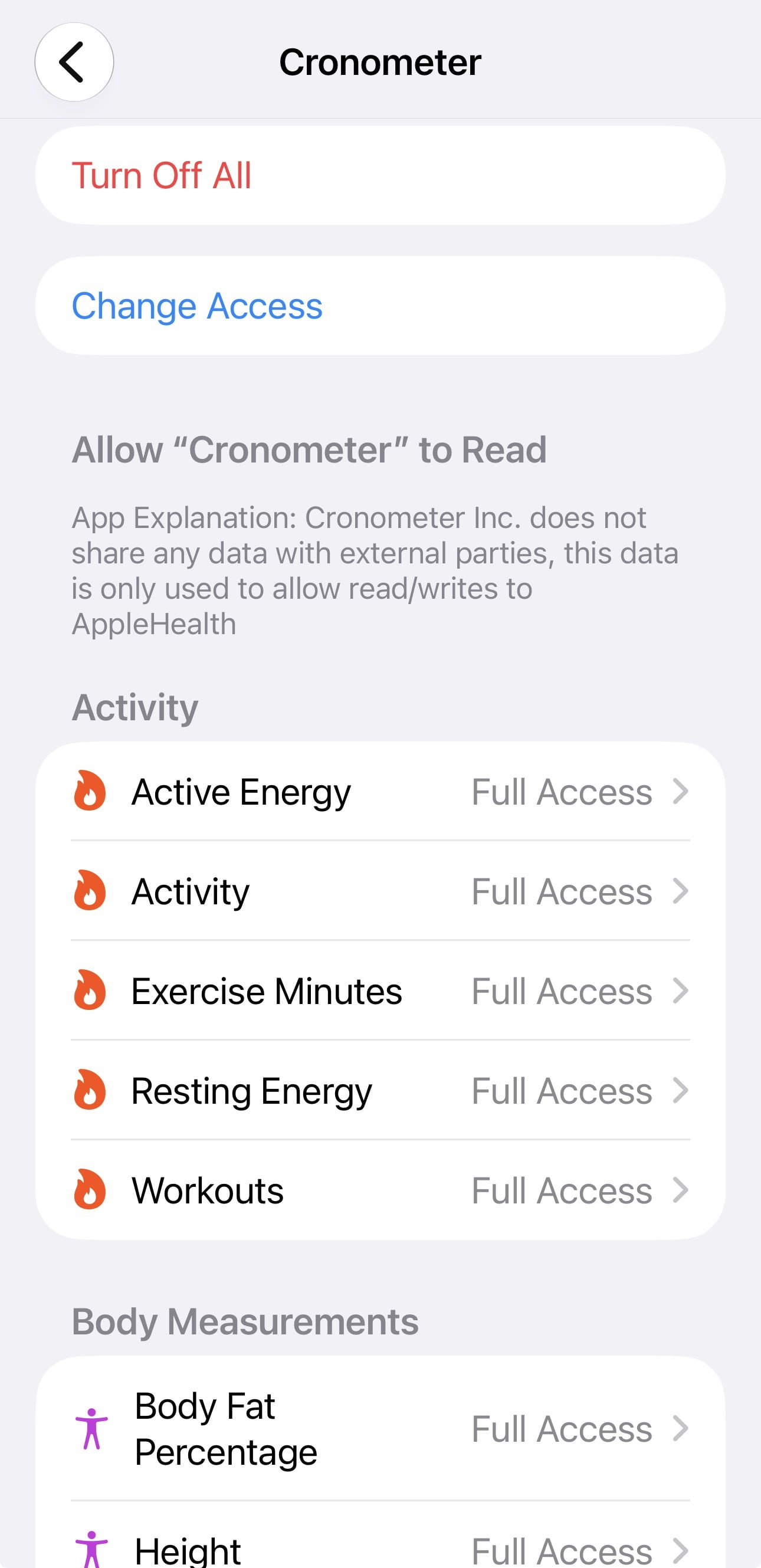
Curiously, Apple Health thinks it is writing data from all categories (past and future) to Cronometer. So it appears Cronometer isn’t seeing something it is supposed to see.
(Apple Health data from yesterday and earlier show up in Cronometer’s daily diaries. But today it shows no data from Apple Health.)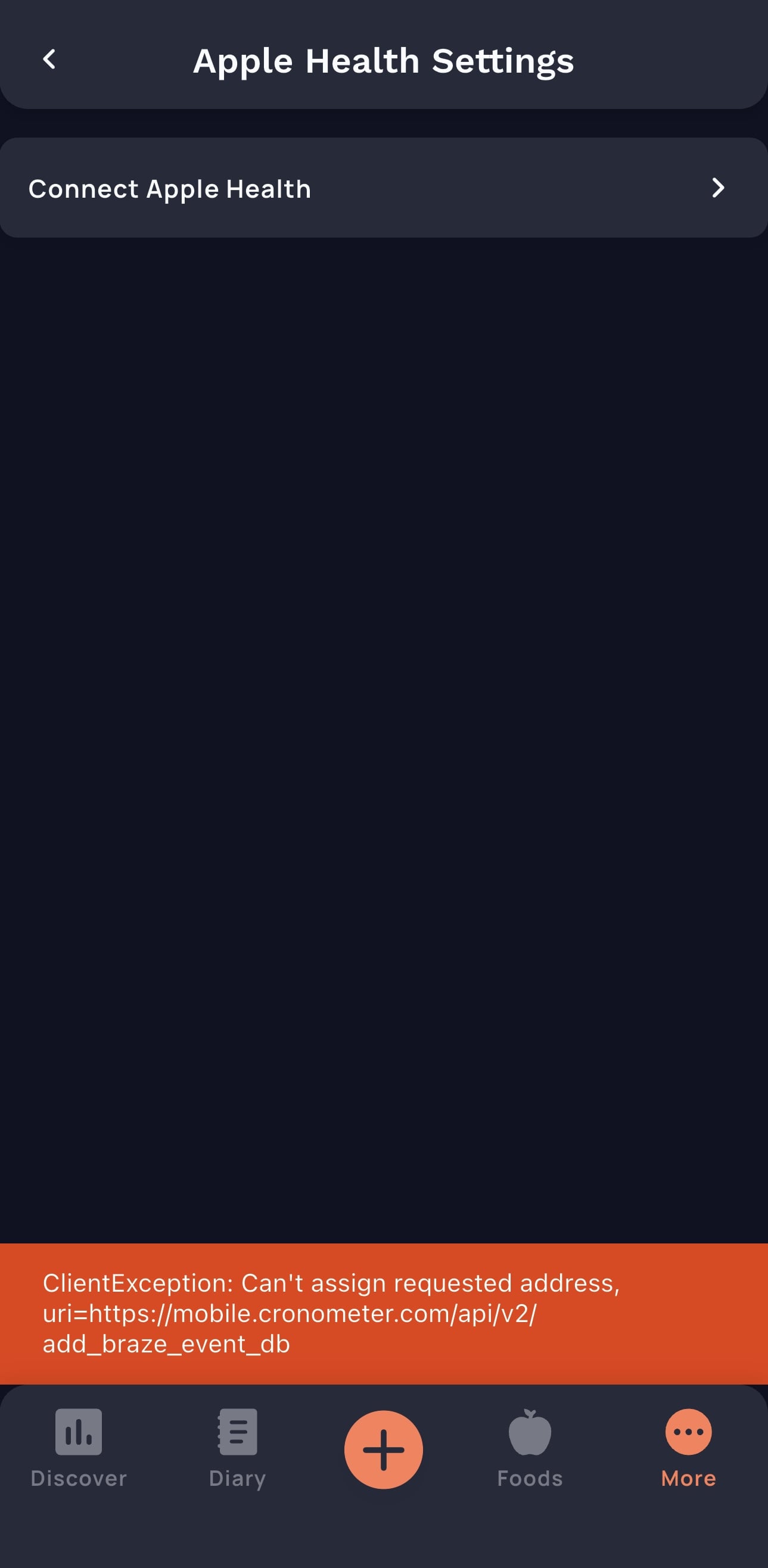
-
The latest update may’ve fixed the problem for me.
-
I’m also having this issue. Have gone through all of the normal testing procedures. Uninstall/reinstall turn permissions off and on. All data is synchronized from health into the app but not the other way around.

